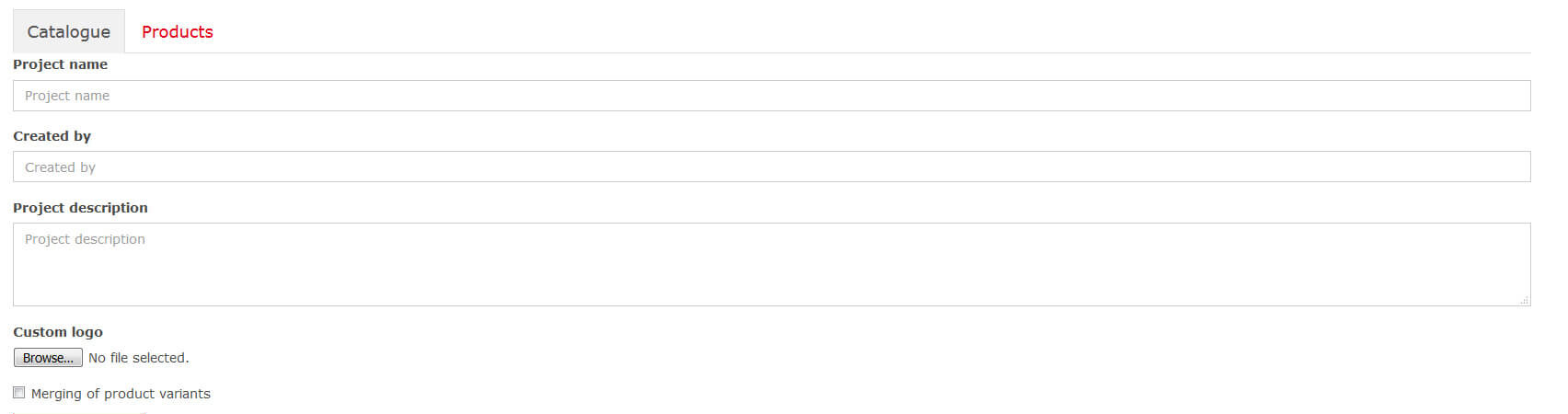

Using the Online Catalogue service, you can create a product catalogue for your project in three simple steps
1. step
Select the products and their variants you want to include in the catalogue and mark them with the icon on the product page. Icon of the product included in the catalogue shall be coloured . Click on the icon again to remove the product from the selection.
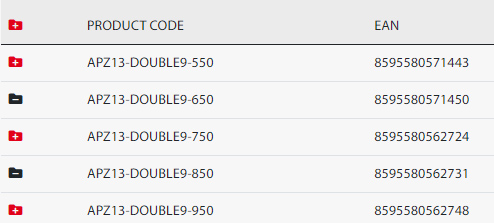
2. step
Check the list of selected products on the Online catalogue page on the “Products ” bookmark. To remove a product from the selection, use the trash icon. . To add another product, follow the step 1.

3. step
Your unfinished catalogue is automatically saved using cookies. Whenever you can go back to it using the catalogue icon.

Complete the project name, author, project description and insert your logo on the "Catalogue" window on the Online catalogue page and use the "Create Catalogue" button to generate your catalogue in PDF format.